
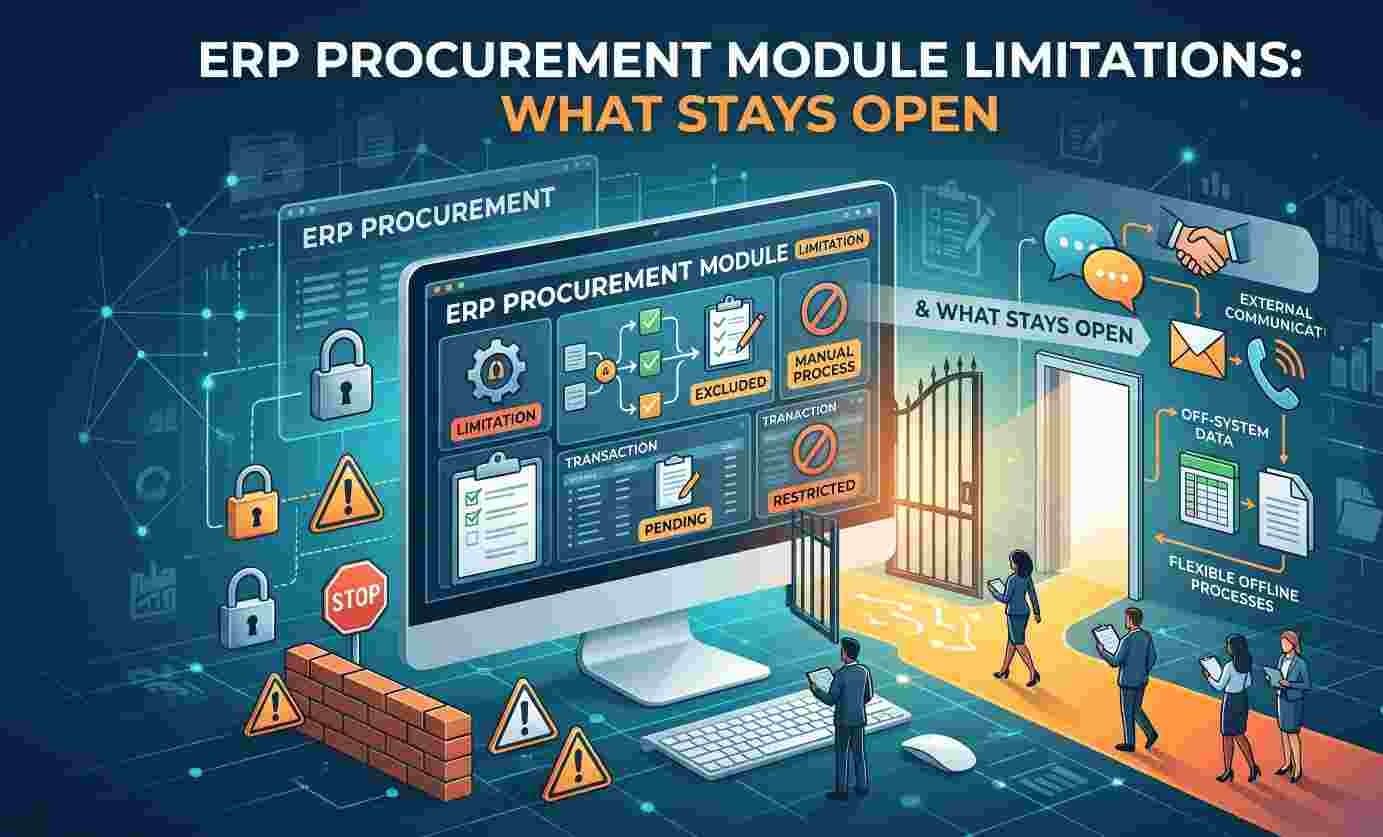
ERP Procurement Module Limitations: What Stays Open
TL;DR The limits of its procurement module can show up in the steps around that record: sending RFQs, comparing quotes, moving approvals, chasing vendors and seeing receipt and payment status. Check the five steps below against your own setup. Keep the ERP as the record and fix only the steps that still run on email.
If an approved Intake sits in your ERP while the request for quotation (RFQ) goes out by email, you already have the problem this post is about. The quotes come back as PDFs, a buyer retypes them into a sheet, and the purchase order (PO) reaches the ERP only after someone has made the call. Every step between the approved Intake and the PO ran outside the system that holds the record. This post is for Procurement Heads at companies with an ERP in place and several plants or units buying through it.
What does an ERP procurement module do well?
It holds the record: the approved Intake, the PO, the goods receipt note (GRN) and the vendor master, in the system Finance already trusts. That is worth keeping. Any fix that asks you to move those records out of the ERP creates a reconciliation job for your finance team, so none of the fixes below do that.
What ERP procurement module limitations should a Procurement Head check?
Check five steps: how RFQs reach vendors, how quotes get compared, how approvals move, how vendors are chased, and how buyers see receipt and payment status. A step is open when it runs on email, a phone call or a side sheet instead of inside a system. Your ERP may already handle some of them well. Leave those where they are.
- Vendor list for an RFQ. Who builds it, and how does the RFQ reach those vendors?
- Quote comparison. Do quotes arrive in one format, in one place, or does someone retype them to compare?
- Approvals. Where does an approval wait when the approver is travelling or it is a weekend, and can they release it from a phone?
- Vendor follow-up. Who follows up on late quotes, unacknowledged POs and late deliveries, and where is that tracked?
- Receipt and payment status. Can a buyer see the GRN and payment status without asking stores or Finance?
Why price alone misleads in quote comparison
Example: three quotes arrive for the same order, at ₹3.95 lakh, ₹4.20 lakh and ₹4.55 lakh. The lowest asks for full advance payment. The highest offers 45 days of credit. The ₹60,000 gap between the lowest and highest quote is only a real difference once payment terms sit next to price. When quotes live in separate PDFs, someone has to build that view by hand.
How do you close the open steps without replacing the ERP?
Take only the open steps into a system that reads from and writes to the ERP, and leave the record where it is. Decide step by step:
| If the step... | Then... | |---|---| | Already runs inside your ERP and nobody keeps a side sheet | Leave it. Nothing to fix. | | Runs on email, phone or a sheet | Move that step first, because the ERP sees only its result. | | Gets quotes back in different formats | Give vendors one place to quote, so the answers arrive comparable. |
Start with one step, review how it ran, then add the next. Adding every step at once makes it hard to see which one helped.
How PRMAI works alongside your ERP
PR, PO, GRN and invoice stay in your ERP unchanged. Tasks that run on email today move to PRMAI, such as RFQ posting, quotation receipt, PO acknowledgement and the advance shipment notice (ASN). Quote approvals run in PRMAI’s approval workflow, which shows who is pending at each level.
PRMAI pulls open Intakes from your ERP, creates the POs in it, and brings back GRN and payment information. It connects to SAP, Oracle, NetSuite and Microsoft Dynamics. Integration logs inside PRMAI show the ERP’s response, and the reason, whenever an Intake, PO or GRN does not sync. See the pricing page for how ERP integration is included by plan.
AI is used on three steps. RFQs go to matched vendors without a buyer building the list by hand. PRIMA, PRMAI’s AI agent, chases vendors for quotations and delivery dates, logs their replies and flags who needs a call. It also compares quotes after normalising them to landed cost, and scores each vendor against the parameters you set. Anything outside your criteria goes to a person, and every action PRIMA takes is on record.
An agrochemicals manufacturer runs catalogue procurement on PRMAI integrated with SAP, and has renewed for a second year. It began with that one module while its full source-to-pay decision was still being approved.
ERP procurement module limitations sit around the PO, so PRMAI takes RFQ, quote comparison, approvals and vendor follow-up and passes the PO, GRN and payment status back to the ERP.
Frequently asked questions
Do I need to replace my ERP to fix these steps?
No. The ERP stays your record. PRMAI pulls open PRs from it, creates POs in it and fetches GRN and payment information back.
Which ERPs does PRMAI connect to?
SAP, Oracle, NetSuite and Microsoft Dynamics. For any other ERP, check with us before you plan around it.
Where should we start?
Pick the step where your team loses the most time and move that first.
When don’t we need this?
If every RFQ, quote comparison and approval across your plants already runs inside the ERP, and no buyer keeps a side sheet or an email thread to get them done, you have no open step to fix. Spend the effort elsewhere.
Your ERP can stay exactly as it is while the email-based steps around it move into a connected system.
Book a demo and we will take you through the five steps above against your own process.